Dashboard
Goal
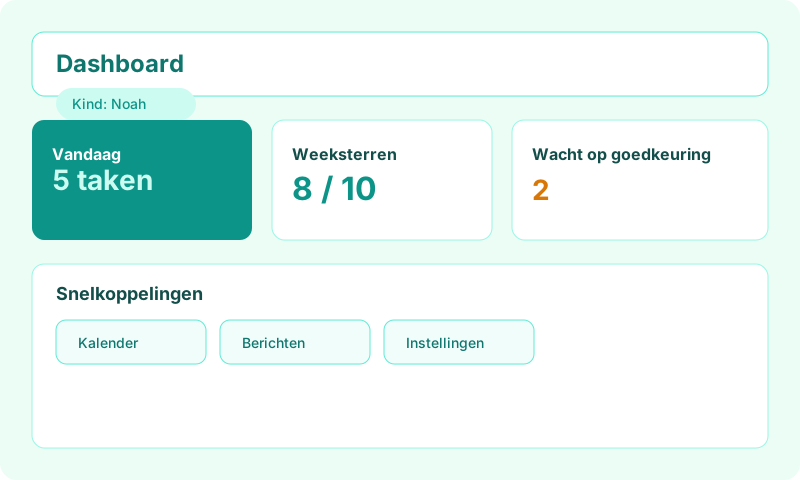
Quickly see which child is active and jump to calendar, tasks or settings.
For whom
Parents and co-parents after login on routineassist.com.
Where in the app
Nav Dashboard → /parent. Menu: Child calendar, Free tasks, Agenda, Messages, Friends, Templates, History, Settings.
Prerequisites
Signed in as parent; at least one child (or complete onboarding).
Step by step
- Open
routineassist.com/parentafter parent login. - Top: active child picker — tap to switch children.
- Dashboard shows summary: today's tasks, weekly stars, open free tasks.
- Use menu for Child calendar (/parent/calendar).
- Free tasks (/parent/free-tasks) for ad-hoc tasks.
- Agenda (/parent/agenda), Messages (/parent/berichten), Friends (/parent/vrienden).
- Settings (/parent/settings) and Profile & consent (/parent/profile-consent).
Options & settings
Co-parents see the same dashboard for shared children.
Tips & troubleshooting
Pin the dashboard or install the Android app for quick tablet access.