Create an account (testers)
Goal
Get a parent account through the tester program so you can add children and manage the calendar.
For whom
New users who want to try Routine Assist as an approved tester.
Where in the app
Apply at routineassist.com/testers. After admin approval: email with login details. Sign in at /login. Change password under Settings → My profile.
Prerequisites
Full name, email, phone number and number of children; agree to privacy policy. Open registration via /login is closed.
Step by step
- Open routineassist.com/testers in browser or Android app.
- Enter full name, email, phone number and number of children.
- Confirm agreement with privacy policy and terms.
- You receive a thank-you email right away — we'll keep you updated soon.
- Wait for admin approval — then you receive an email with your login details.
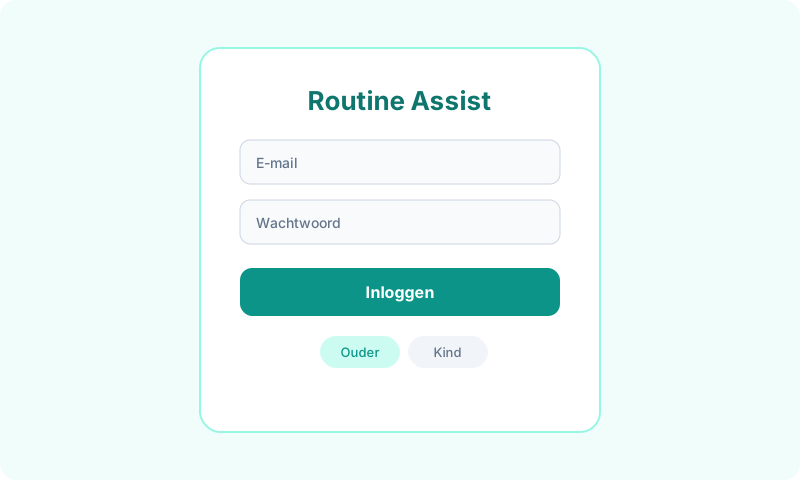
- Sign in at routineassist.com/login using the email from your application and the password from the email.
- After login you enter parent mode (/parent) or onboarding (/parent/onboarding).
- Change your password anytime under Settings → My profile.
- Testers keep access to Routine Assist after the beta period.
Options & settings
Admins manage applications at /admin/beta-testers. On each new application admins (and BETA_NOTIFY_EMAILS) receive an email with details and an Approve button.
Tips & troubleshooting
Forgot password? Use /wachtwoord-vergeten. Use unique passwords; don't share parent password with the child unless intentionally for child login.